
Prepare member invitations.
One user account per invitation task. Prepare lists, destinations and pacing together.


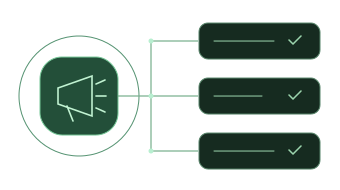
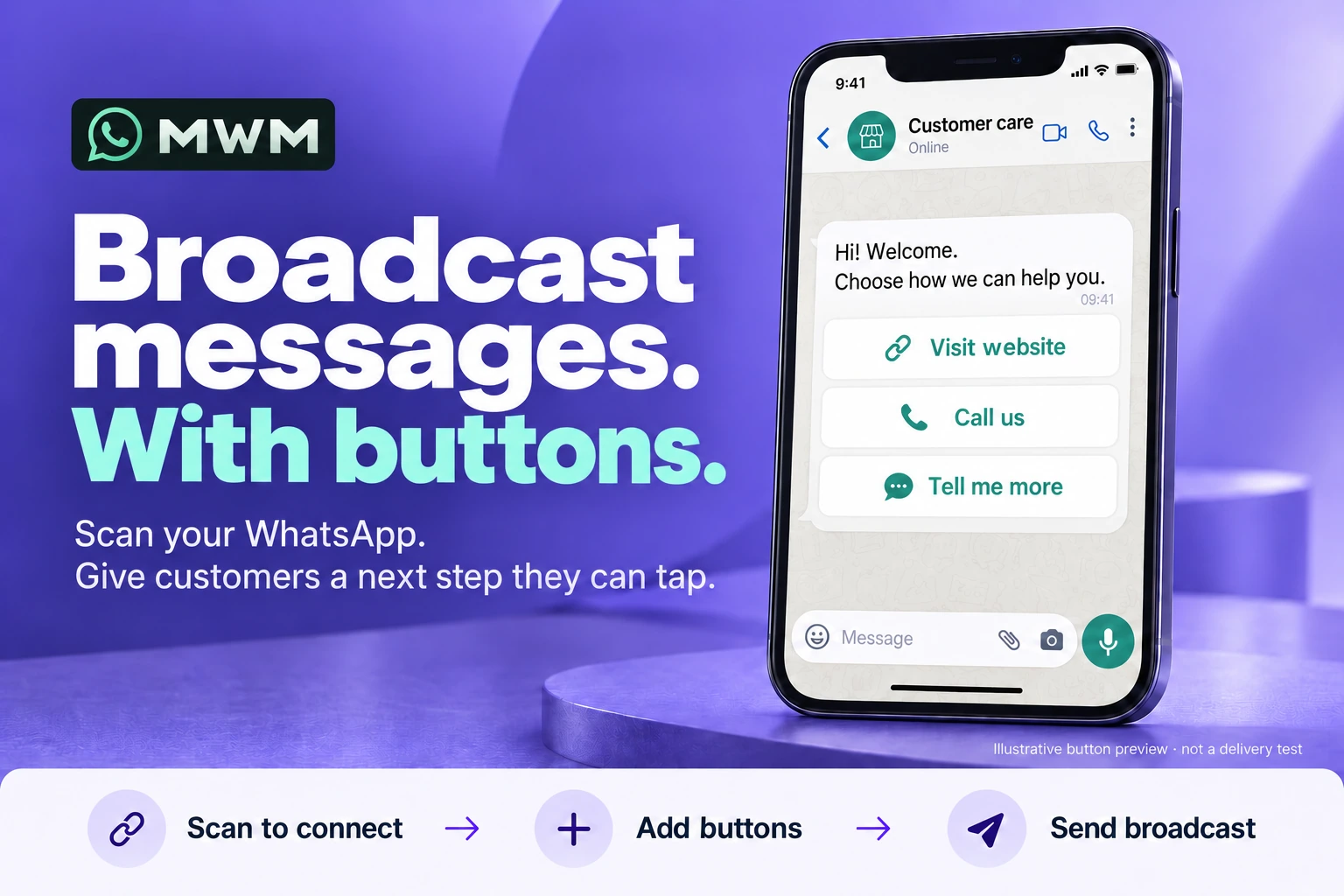
Scan WhatsApp into MWM. Broadcast messages with website, call or quick-reply buttons.
Step inside
A dedicated tool for SMS broadcasting.
Real screenshots and detailed product information are being prepared.Explore SMS Blast ↗ANYT99 products
Three distinct products from ANYT99. Choose the channel you work with.

Manage multiple WhatsApp accounts, conversations and follow-ups in one local Windows workspace.
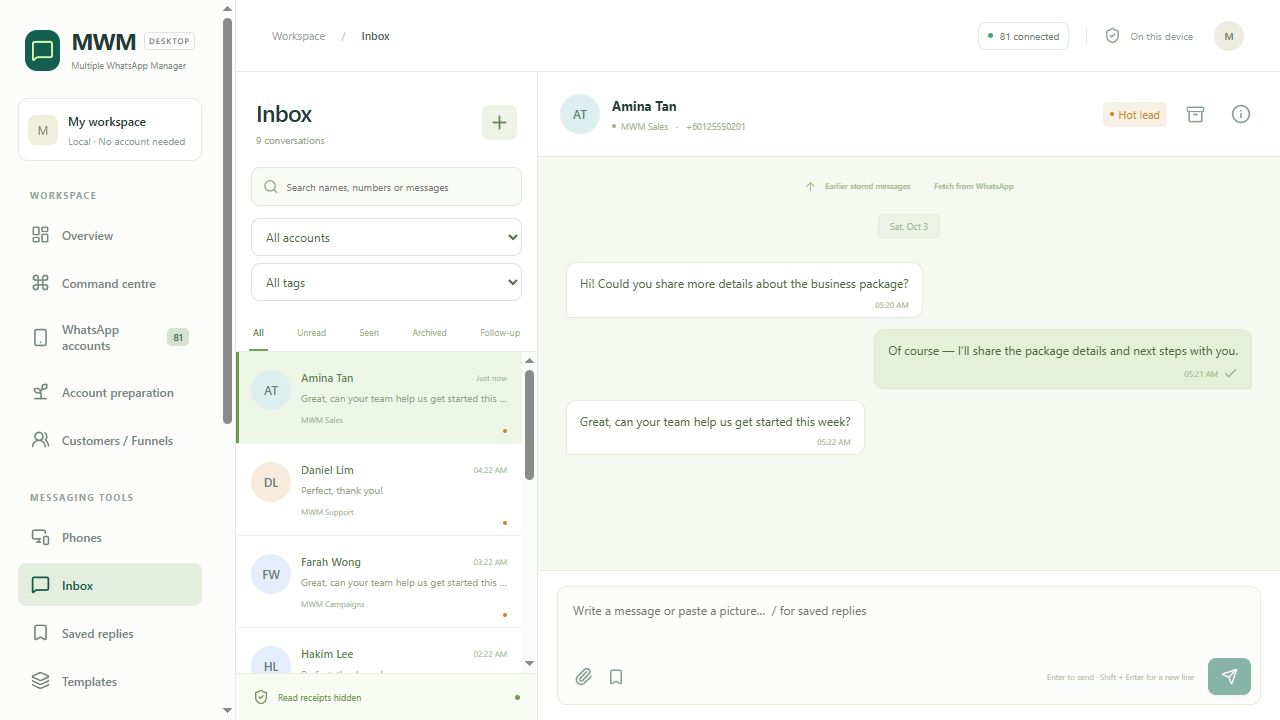 Real interface · isolated demo data
Inside MWM
Keep conversations together, organise follow-ups and review each broadcast before it goes out.
The screenshot could not load. Try another view or reload the page.
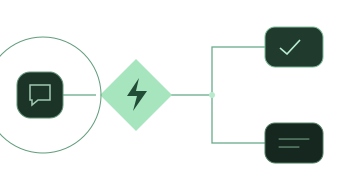
See conversations from multiple WhatsApp accounts together. Use tags and saved replies to keep the next response close at hand.
Account counts and customer records shown are synthetic demo data, not live activity or performance results.A closer look / MWM
Pick a view to explore its real interface and the controls that matter.
Find conversations by account or tag. Keep saved replies and customer follow-ups close to the conversation.
Explore the inboxExplore guided setup, the flow builder and the difference between draft and enabled flows.
Explore reply settingsPrepare the draft, choose sending accounts and review the recipients and message preview.
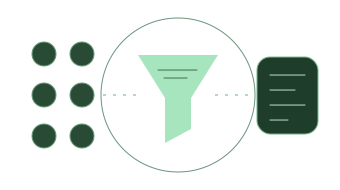
Explore broadcast preparationFind the number-check entry and list limits. Read the result notes before interpreting a number's status.
Explore the filter viewFind enquiries using keyword, account and date filters. Records stay on this computer.
Explore local recordsWorkflow illustrations. Each card opens the corresponding real MWM screenshot with demo data.
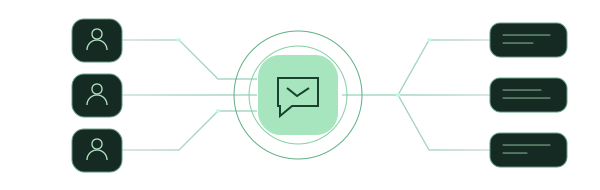
Prepare member lists, destination groups and personal messages. Keep group operations, customer replies and the next follow-up in one workspace.
One user account per invitation task. Prepare lists, destinations and pacing together.

Select multiple campaign senders, personalize names and fields, and preview each recipient.
Actual MTM UI · isolated DEMO workspace
Before you start
A local Windows workflow, with backup and restore. Keep the app open, the computer awake and the account connected for automated tasks.
Configuration limits, not verified concurrent performance. Sustained live operation of 100 accounts has not been verified.
Good to know
Workspace views are real screenshots from the isolated MWM demo. The button-message graphic is an illustration, not a delivery test. This website does not connect your WhatsApp account or send messages.
MWM is a local Windows application. Automated replies and scheduled tasks depend on the app, device and account staying available.
MWM is for WhatsApp. MTM is for Telegram member invitations, multi-account broadcasts, group posting and customer follow-ups. Buy either desktop tool separately or purchase both on this website. SMS Blast is a separate SMS product; its detailed specifications and purchase options are still being prepared.
Your next step
Each product: USD 299/year; one key, one product and one computer. Website payment is separately fixed at 299 USDT/year via TRC20. Sales are closed. Wallet, release and remaining annual terms await acceptance.